My Steam library used to sit in a hot room with my computers. I had a gaming PC with a 3090 and plenty to play, but I rarely wanted to spend the evening with its heat and noise. Since I put the Steam Machine by the television, I play constantly. My wife does too. She has been playing Hogwarts Legacy so often that I sometimes have to wait for a turn.
Catching up with games I never finished
I'm replaying The Last of Us Part I and have just caught up to where I stopped on the PS3. The Steam Machine is smaller than that console and quieter than either my PS3 or PS4. I haven't hooked up the Xbox One, PS3, or PS4 since I got it.
I'm also playing Shadow of the Tomb Raider. My Steam library is exploding now that I actually play what I buy. I keep finding games on sale that I want to play on the television.
Good-looking games that keep moving
I set each game for the best picture I can get while keeping it steady somewhere between 60 and 120 frames per second, depending on what the game can manage. From the couch, I would rather turn down a setting than give up smooth play for a resolution I can barely distinguish.
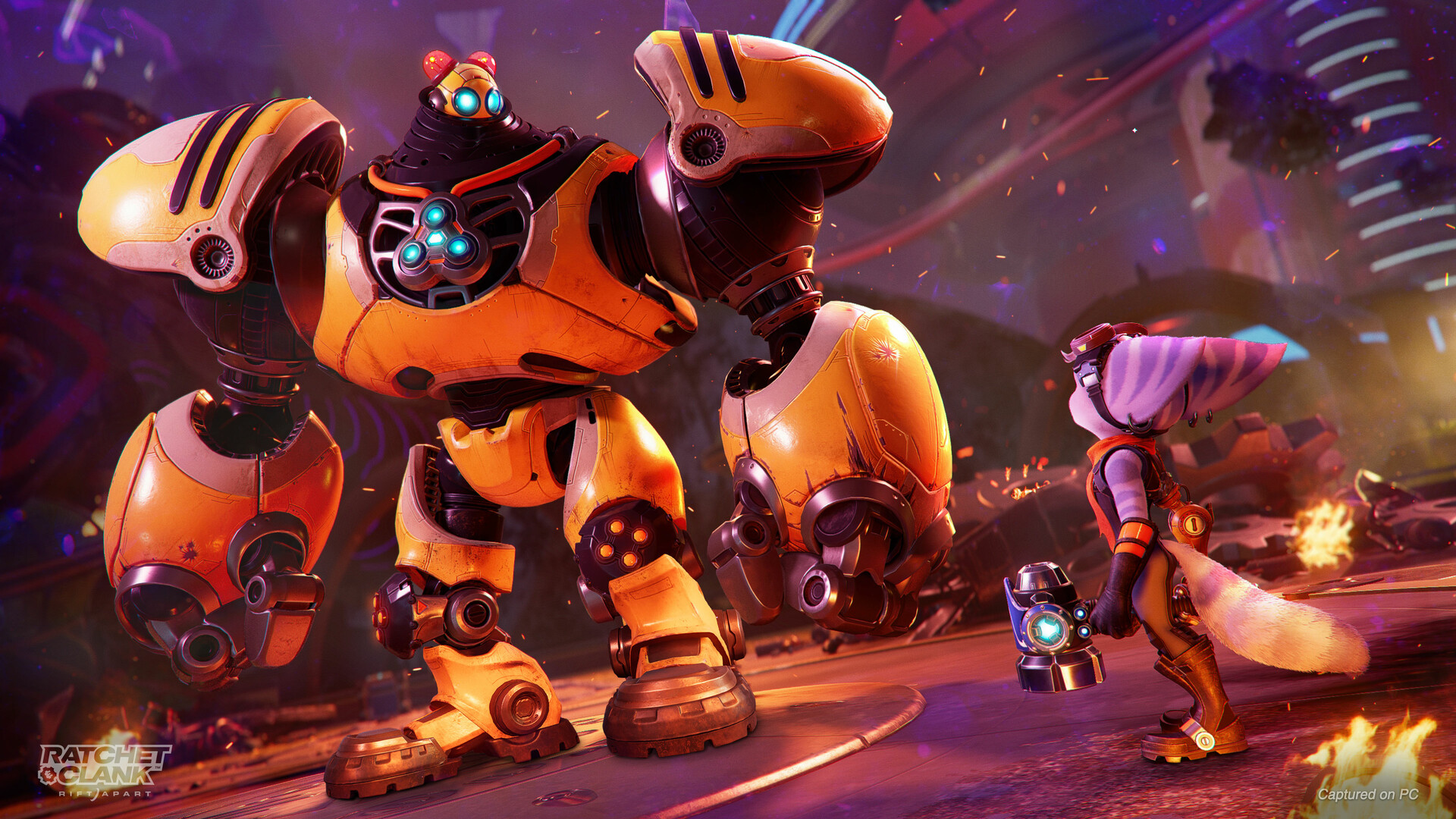
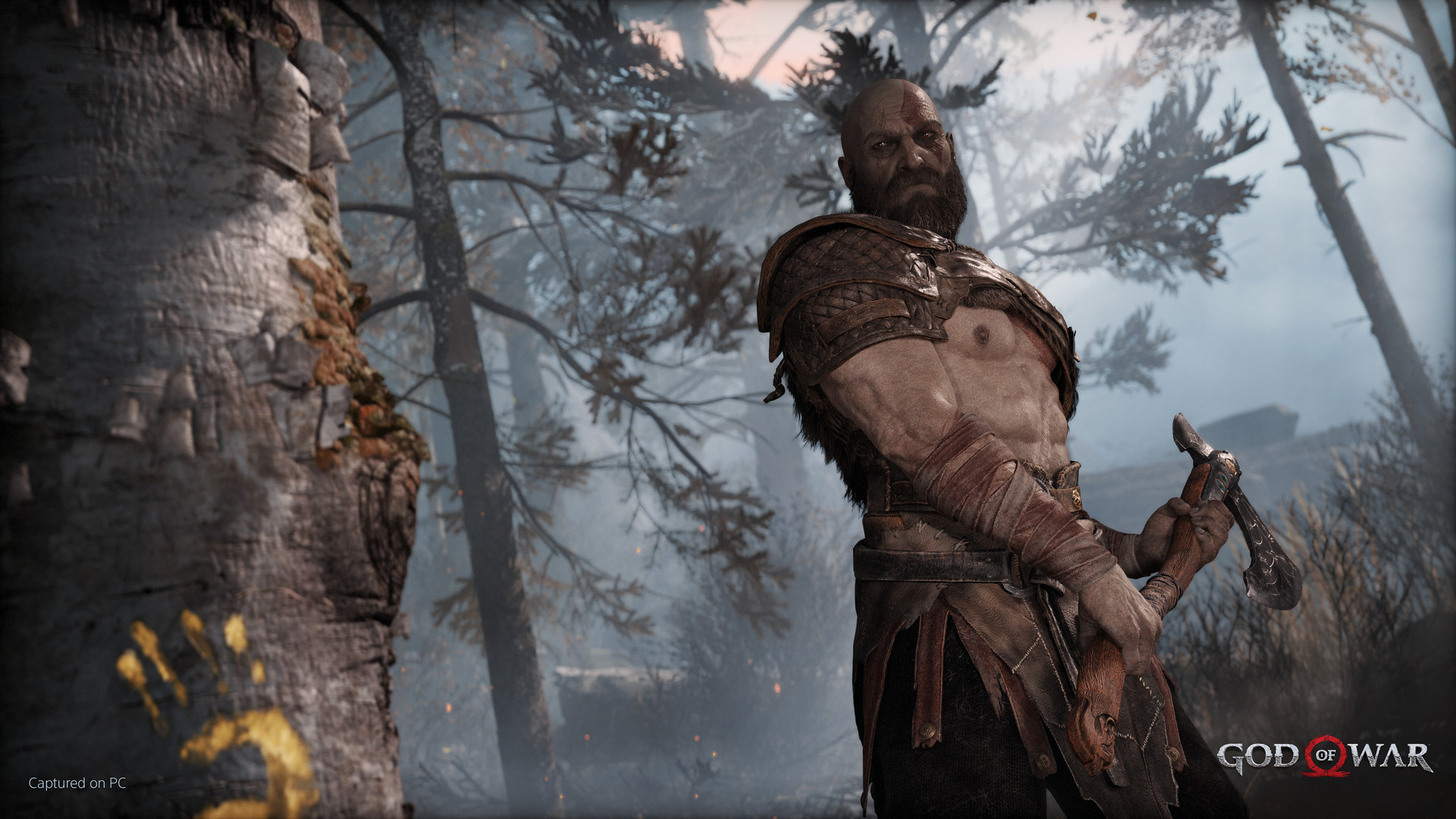
I've played God of War, Ratchet & Clank, and Guardians of the Galaxy on it. Some games need more adjustment than others, but I don't need every graphics option at its maximum to enjoy them on the television.
The 3090 is mostly a pinball machine now
The 3090 has more power. It is also loud and hot enough that I don't want to sit near it for hours. The Steam Machine sits in the living room, where we already spend our time.
I finally get to hear these games through my 7.1 surround system instead of computer speakers. I never wanted to build another elaborate speaker setup around the gaming PC. My pinball machine has surround sound feedback, but that is a separate setup. The living-room system supports Atmos too; I haven't checked whether the Steam Machine can send it Atmos.
Pinball is the exception. I haven't set it up properly on the Steam Machine, so that is what still takes me to the 3090.
All these controllers, one machine
I've connected my driving wheel for Assetto Corsa, my X-Arcade, and all sorts of controllers. Gyro aiming has been great for first-person shooters. I can pick up a gamepad and play, or bring out the wheel or arcade controls when the game calls for them. I've been trying mods too.
Assetto Corsa was listed as unsupported for my setup. I installed it anyway and got it working with my wheel. It took about two hours of trying Proton versions and settings over SSH. I didn't even have the television on.
Emulation keeps leading me back to Steam
I use LaunchBox on my PC, EmuDeck on the Steam Machine, and Batocera. They share a directory on my NAS, so the games and artwork can be used across all three. I curate the games I want to play instead of loading every game ever made onto each system.
I downloaded a lot of that artwork years ago for LaunchBox. When I first set up Batocera, I ran its scraper and downloaded it again. Now the different setups use the artwork I already have, and the collection looks familiar wherever I open it.
RPCS3, the PlayStation 3 emulator, can be a pain in the neck. Each game can need different settings and extra packs before it runs well. I keep the games I want to play set up for my TV, with HDR where available and a frame rate the game can hold. When I sit down, I want to choose a game rather than start working through emulator menus.
Oddly, emulation also makes me buy more games on Steam. I'll revisit an old game, see a better version on sale, and buy that one for the television. I have emulation across my devices, but I keep choosing the version I most want to play.
Making it work the way I want
I added a 2.5-gigabit network adapter and wrote a program to move suitable games to my server. I use Heroic for Epic and GOG games. When one of those games is missing artwork in Steam, I make it, or make custom artwork when I want something different. A Decky plugin can download missing graphics, but I don't have to use what it finds.
I know how to do this sort of work by hand. I've set up LaunchBox and Batocera, organized the files myself, and written plenty of scripts. If my Super Nintendo games stop showing wheel graphics in an ES-DE theme, I can fix the mapping and get back to playing.
I change shaders for one emulated game or a whole group, move files, and restore settings. Because the Steam Machine is a Linux computer, I can make these changes as precisely as I want without spending the evening in menus.
I keep each fix in a script and update it when I change the setup. I review the scripts, especially anything that might delete files, and back them up. I can run them again without piling up duplicate changes.
That paid off when an EmulationStation update broke some of my mods and NAS mappings. I reran the script and they worked again. My Ansible training is useful here; I still use Ansible to roll out virtual machines and would use it to rebuild the whole setup. For changes to this machine, these smaller scripts have been enough.
The library that sat unplayed beside the 3090 is on the television now, sounding better and working with the controls I want. I play it whenever my wife isn't using the machine for Hogwarts Legacy.
Reference notes: Valve: Steam Machine hardware · NVIDIA: RTX 3090 specifications.
Back to the collection