September 2026
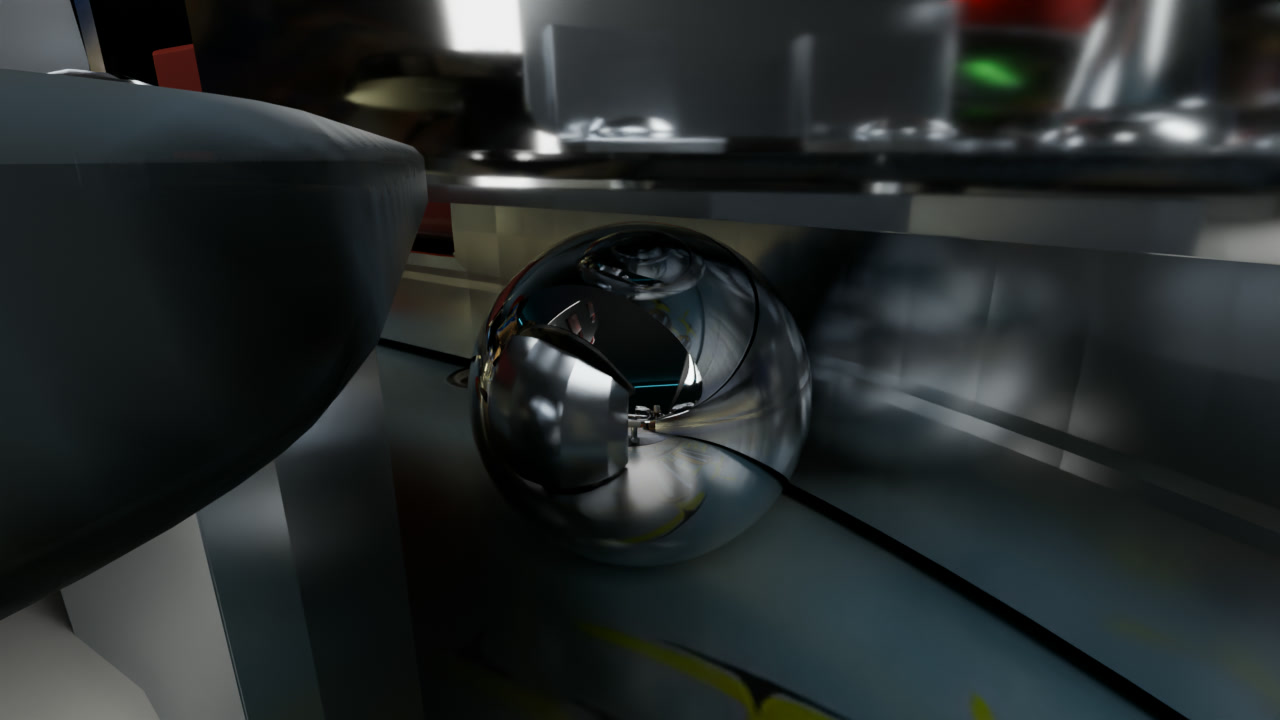
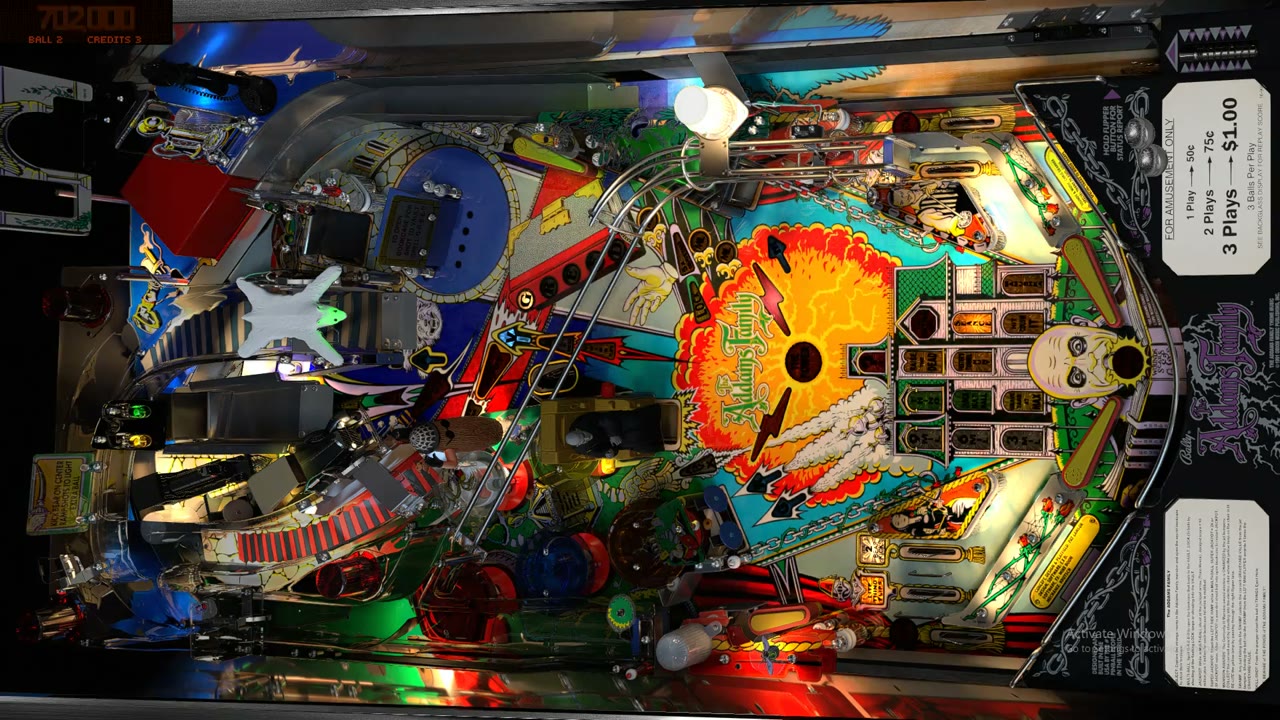
This is a game of pinball seen from just behind the ball. I built it for The Addams Family table in Visual Pinball X, using AI to help, and rendered it in Blender.
Normally you see a pinball table from above, the way you stand at the machine.
In the video the camera stays down at the ball and follows it wherever it goes. Posts, rubbers, and ramps go by at eye level. When the ball goes under a ramp, the ramp is over the camera too.
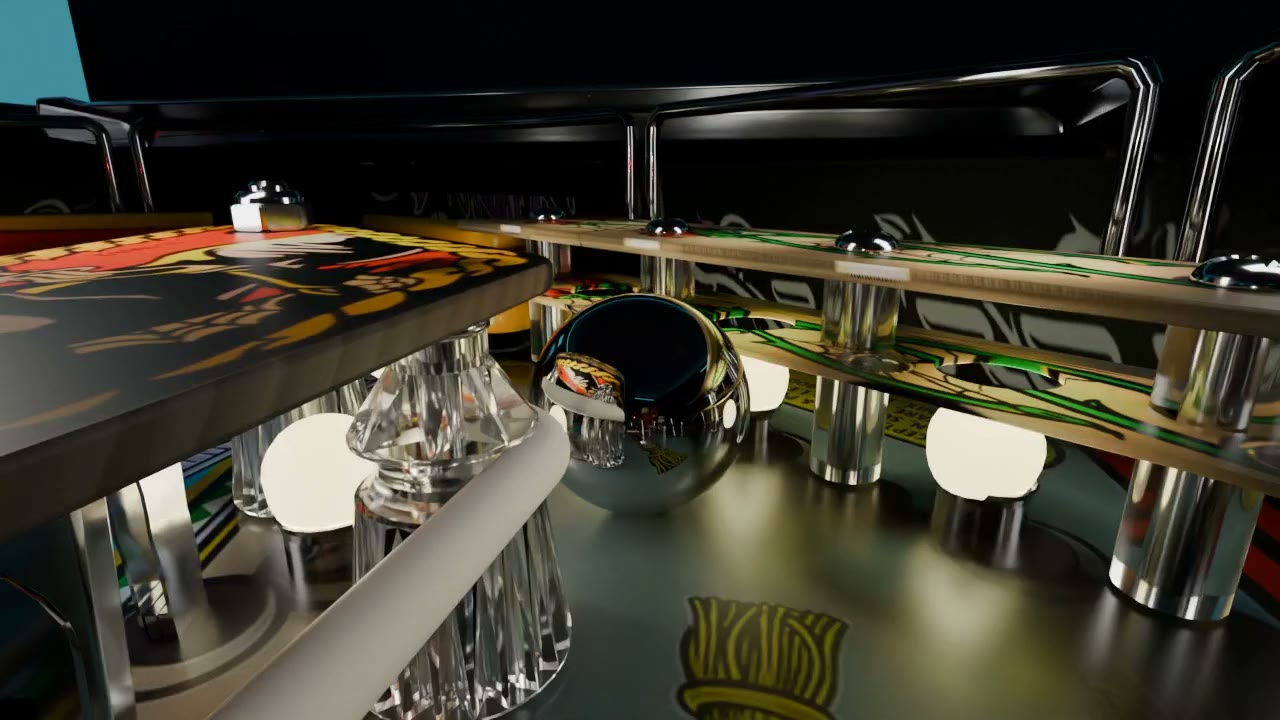
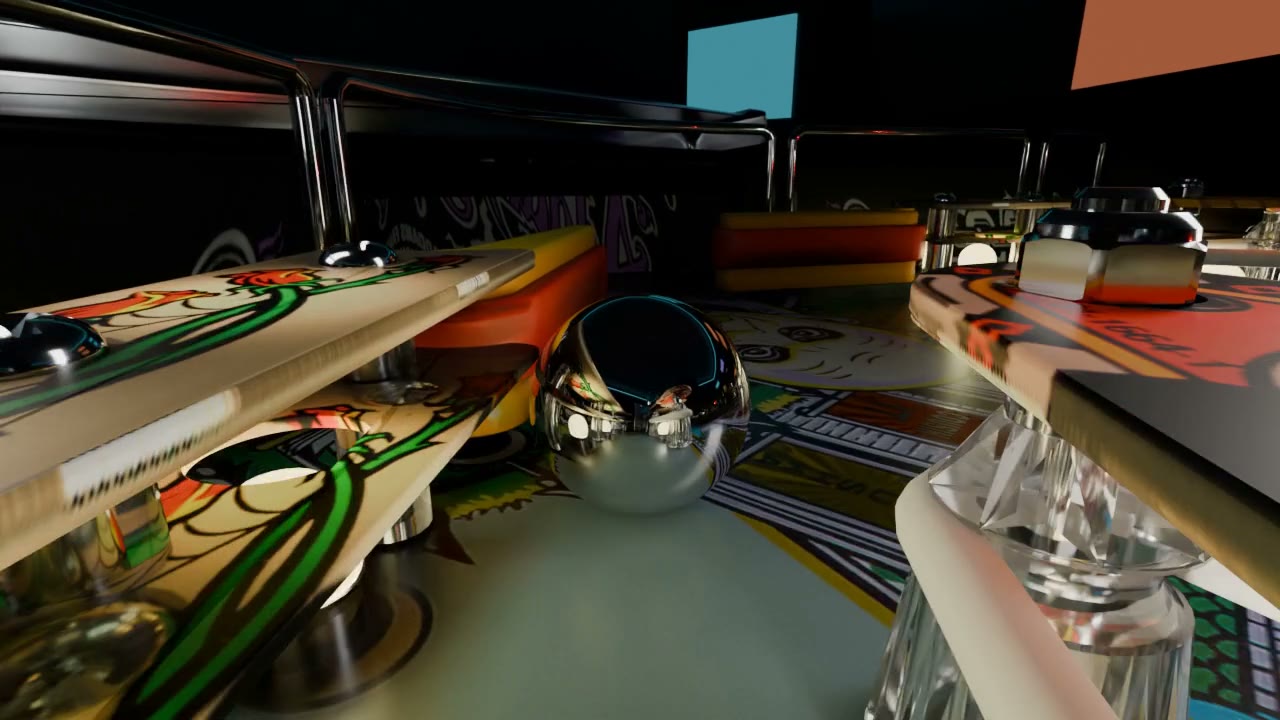
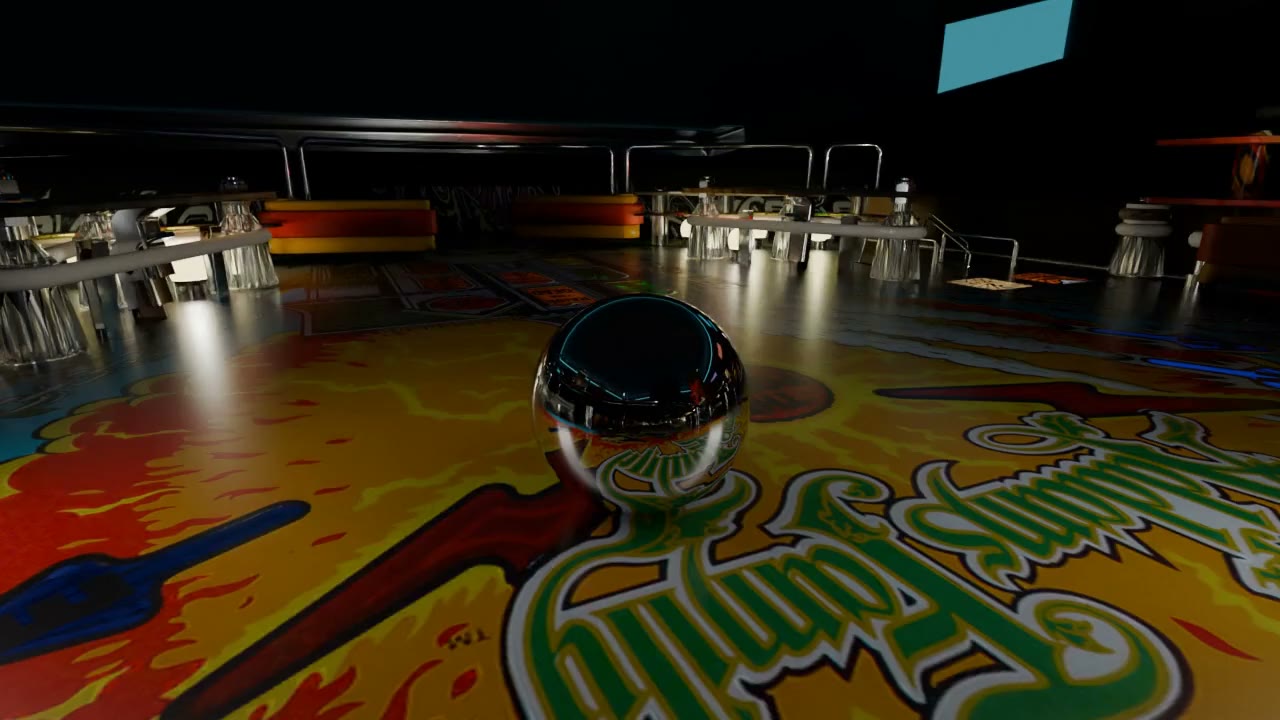
The ball is chrome, so it reflects everything around it: the lamps on the table, the ramps, and the dark arcade room I put the machine in. Most of the room only shows up in those reflections.
The full video is 30 seconds of real gameplay at normal speed, with the game's own sound. I tried slowing it down, but the audio sounded warped. I went back to full speed and repaired the audio.
How I built it
Visual Pinball X runs the actual game with its real physics. It records where the ball is, how the flippers move, and when each lamp turns on. Blender renders that recording frame by frame, so this isn't something you can play live.
The flippers are automated, not me playing. I worked on the timing so they didn't just flip every time the ball got near the bottom.
My first versions let the camera see through solid objects. After problems getting the camera working inside VPX, I moved the table's geometry and textures into Blender so ramps and posts block the view the way they should.
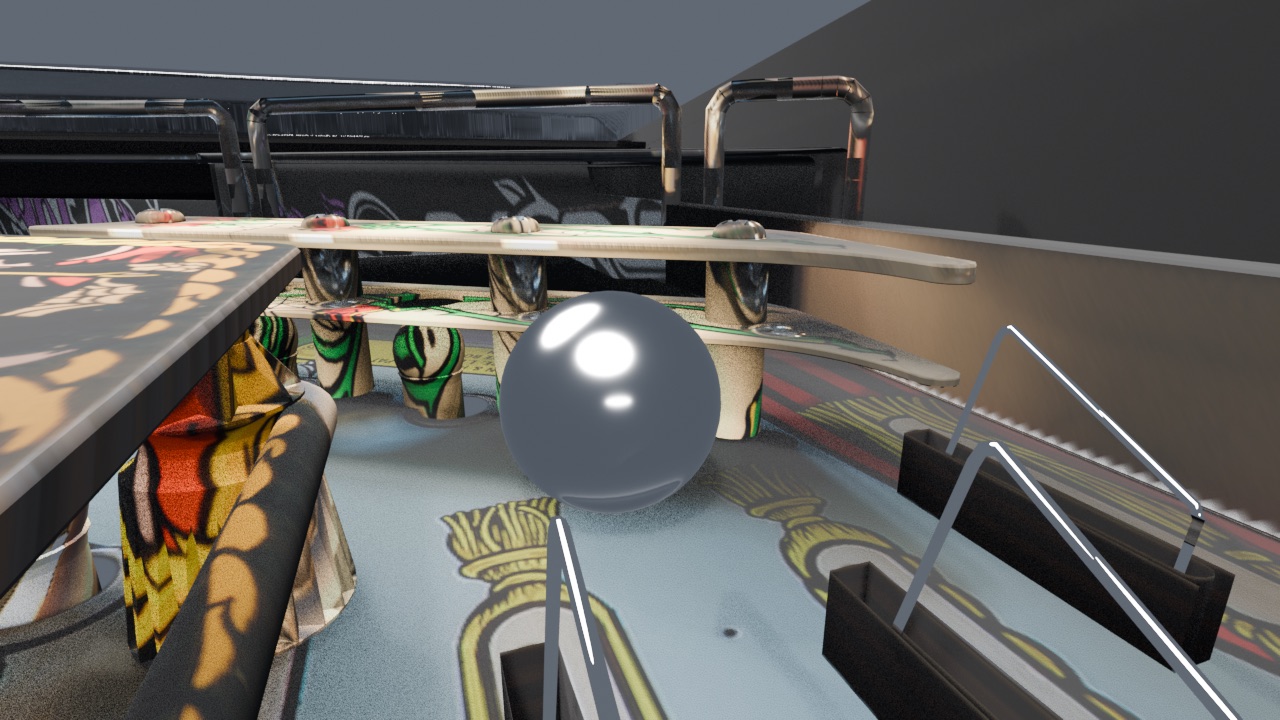
The rubbers had picked up textures from other parts of the table when they should have been a solid color. I fixed them and the posts, then added ray-traced reflections to the ball and the other chrome.
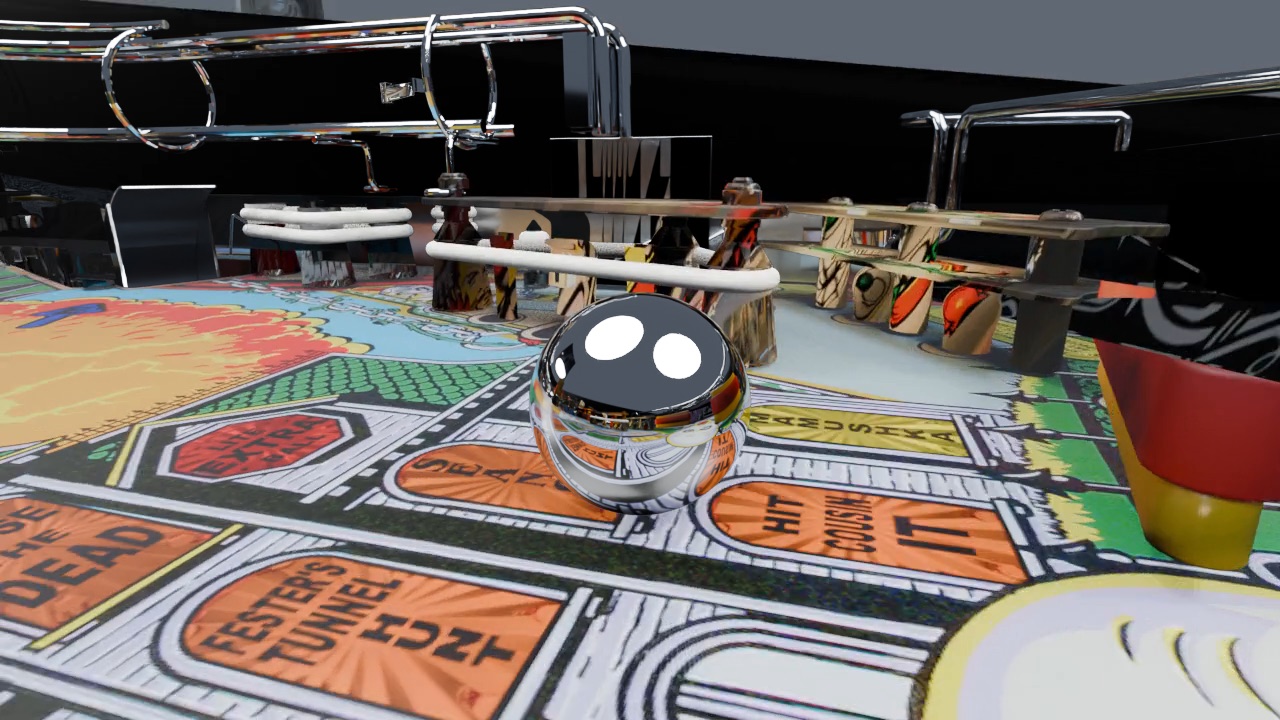
For light I used the machine's own lamps instead of overhead lights. The colored inserts in the playfield should look like plastic with light coming through, with darker lettering and edges. They came out too bright, then too dark, before they looked right.
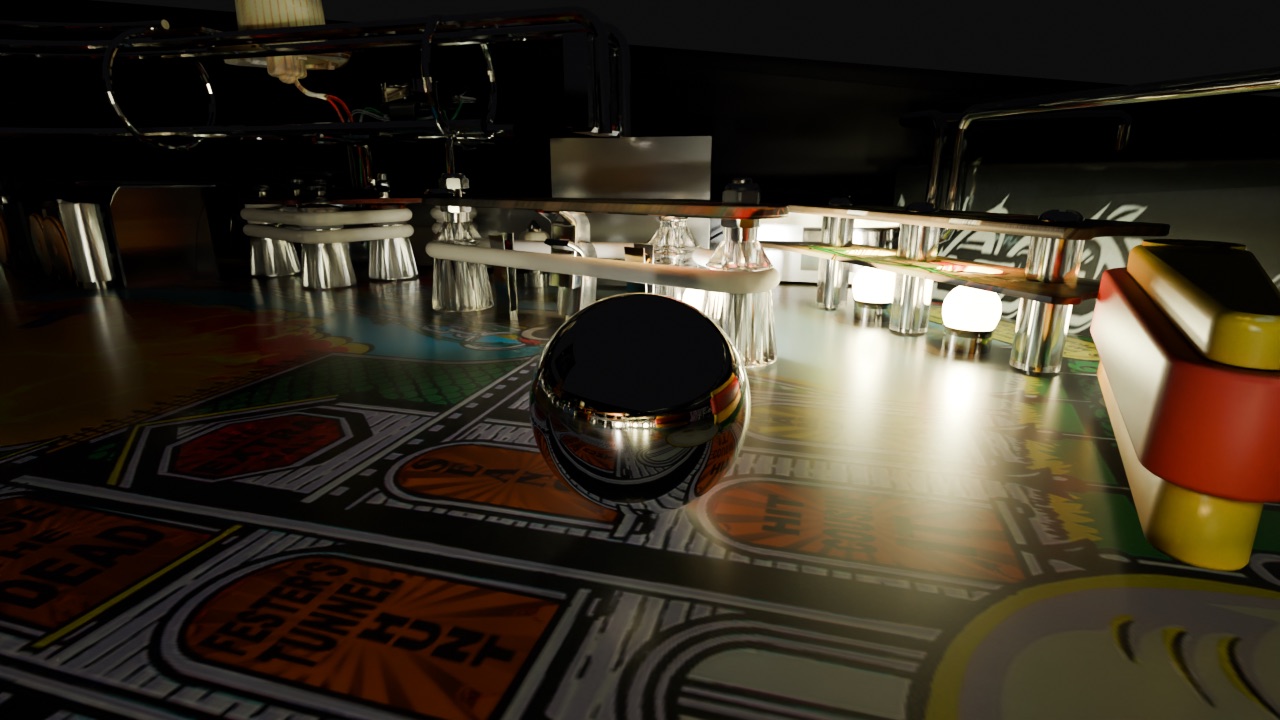
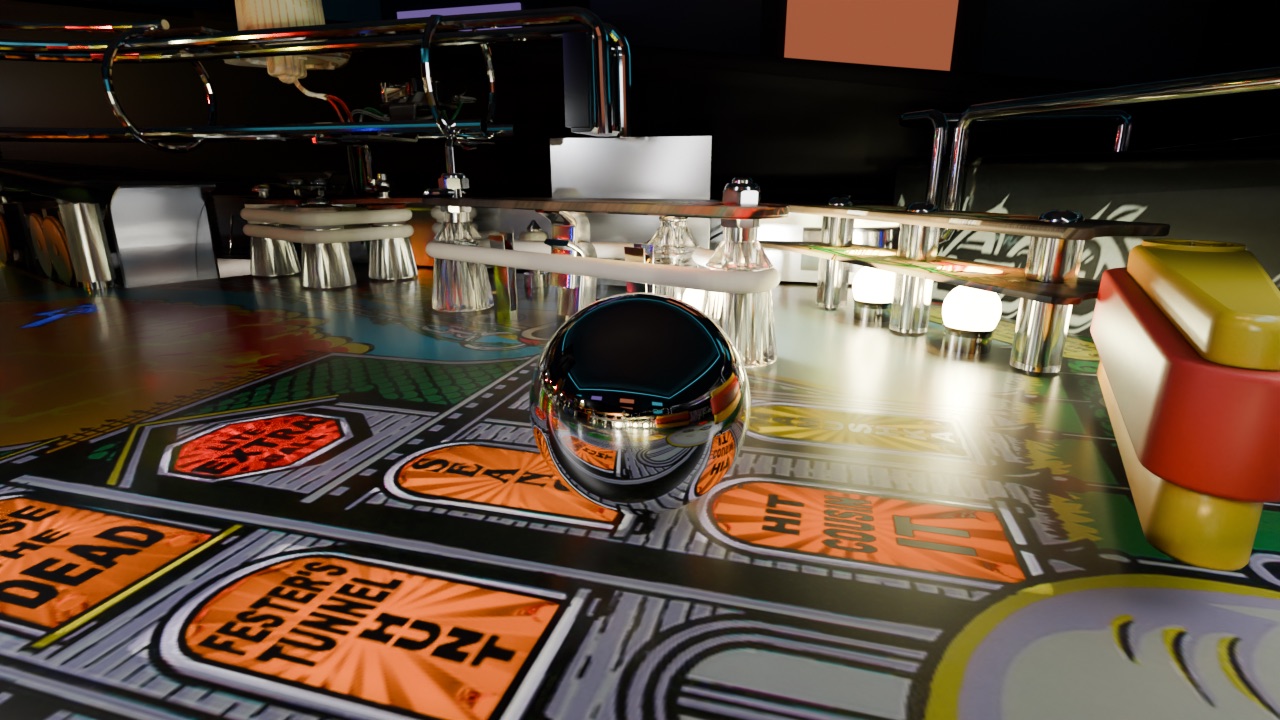
I added 2 vertical lights, one on each side of the ball, and a large, distant softbox for fill. I excluded the ball from those lights so they wouldn't put bright shapes in its reflections.
I tried a camera that chased the ball independently, like a mouse running after it. It couldn't keep up. I went back to close tracking: when the ball bounces back, the camera backs away with it and turns into the new trailing position.
I rendered this version across 3 RTX 3090s, with 256 samples per frame. An earlier run crashed when I forgot to limit power on the dual-GPU machine. Saving each frame separately meant I could resume without starting over. RIFE interpolation adds frames between the 900 rendered ones, bringing the video to 60 fps without changing its speed or audio.
I want this to work with other VPX tables. First I want to get this one right.
Back to the collection